
DoorKing Gate Repair in Union City: A Homeowner’s Guide
DoorKing gate repair in Union City usually comes down to one of two very different problems: a mechanical fault in the motor or gate hardware, or a programming issue inside the telephone entry system. Most service calls we run for DoorKing systems at multi-family properties turn out to be the second type. If your gate stopped responding after a tenant changed their phone number, or after a power flicker, you may not have a hardware failure at all. Call (833) 593-6430 and we can usually sort out which one you’re dealing with in about ten minutes on the phone.
Why DoorKing Systems Behave Differently Than Standard Gate Openers
DoorKing is not a residential toy. The brand’s core market is multi-family apartment complexes, HOA communities, and commercial properties throughout Union City and the Fremont corridor. The 1802, 1808, and 1812 models you see on most local apartment gates are telephone entry systems with an integrated gate operator. That integration is the key to understanding most repair situations. A LiftMaster or Mighty Mule opener on a single-family driveway gate does one job: open and close when a remote or keypad tells it to. A DoorKing system is running a directory database, relay logic, and access timing all on the same control board. When one piece of that puzzle falls out of sync, the gate misbehaves in ways that look mechanical but aren’t.
We work on DoorKing systems specifically, along with FAAC, BFT, and Linear, so we see the same failure patterns repeat across properties in Union City. The telltale sign of a DoorKing phone-entry problem is a gate that works fine from the keypad or remote but will not open from a dial-in call. The motor’s fine. The relay is fine. The phone line or the directory entry is the culprit.
The Two Failure Types: Hardware vs. Directory Programming
Before you call anyone, do a quick triage. This will save you money and frustration, and it helps us quote more accurately when you do need a visit. We break DoorKing service calls into two buckets.
Type 1: Hardware and Electrical Faults
These are the issues you’d expect on any automated gate. Symptoms include the motor humming but not moving, the gate stopping halfway, or a blown fuse on the control board. In Union City’s marine-influenced climate, we regularly see corrosion on limit switches and terminal strips, especially on older 1808 units that have been installed for ten-plus years. DoorKing motors are well built, but the wiring connections and limit switch contacts are often the first things to fail in damp salt air. A gate that opens but won’t close fully is usually a limit switch problem, not a motor failure.
Type 2: Telephone Entry and Relay Logic Problems
This is the DoorKing-specific bucket. The classic scenario: a tenant calls the property manager and says the gate won’t let their visitor in. The property manager assumes the worst. But the actual problem is that the tenant changed their phone number and the old number is still in the DoorKing’s directory. When the visitor dials the tenant’s code, the system calls a dead number, no one answers, and the relay never fires. Nothing is mechanically wrong. The fix is a directory update, not a service call with a soldering iron.
Another version: the gate works from every station except one. That points to a single directory entry programmed with the wrong relay code. DoorKing boards support multiple relays for gates, pedestrian doors, and sometimes a second vehicle gate. If a resident’s code is assigned to relay 2 when the gate is on relay 1, that resident’s dial-in will do nothing while everyone else’s works fine. This is a five-minute programming correction for anyone with the DoorKing manual and installer access.
Key Takeaways
- Gate works from keypad but not phone = directory or phone line issue, not motor.
- Gate labors, stops, or hums = limit switch, capacitor, or motor hardware.
- One resident affected = programming. Everyone affected = likely hardware or board.
- Power flickers can corrupt DoorKing directory memory on older boards.
What You Can Safely Reset vs. What Needs a Technician
Some DoorKing resets are straightforward. Others require installer-level access, and a few require a factory dealer login. Here’s the honest breakdown.
Safe to Try Yourself
- Power cycle the system: Turn off the breaker or the main power switch for 30 seconds, then back on. Many DoorKing glitches clear with a reboot. This is the first move for a gate that stopped responding after a storm or power surge.
- Check the master code from the keypad: If the keypad beeps but nothing moves, the relay may be stuck. A power cycle often releases it.
- Verify the resident’s phone number in the directory: Most DoorKing systems let a property manager with the master code scroll through directory entries. Confirm the number is correct before calling a technician.
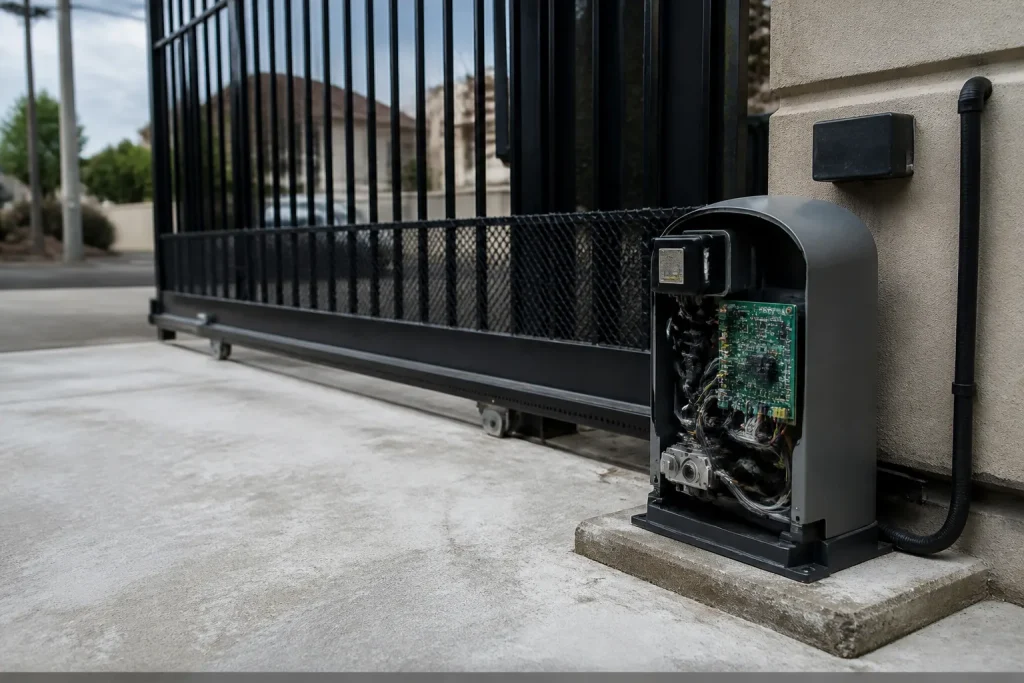
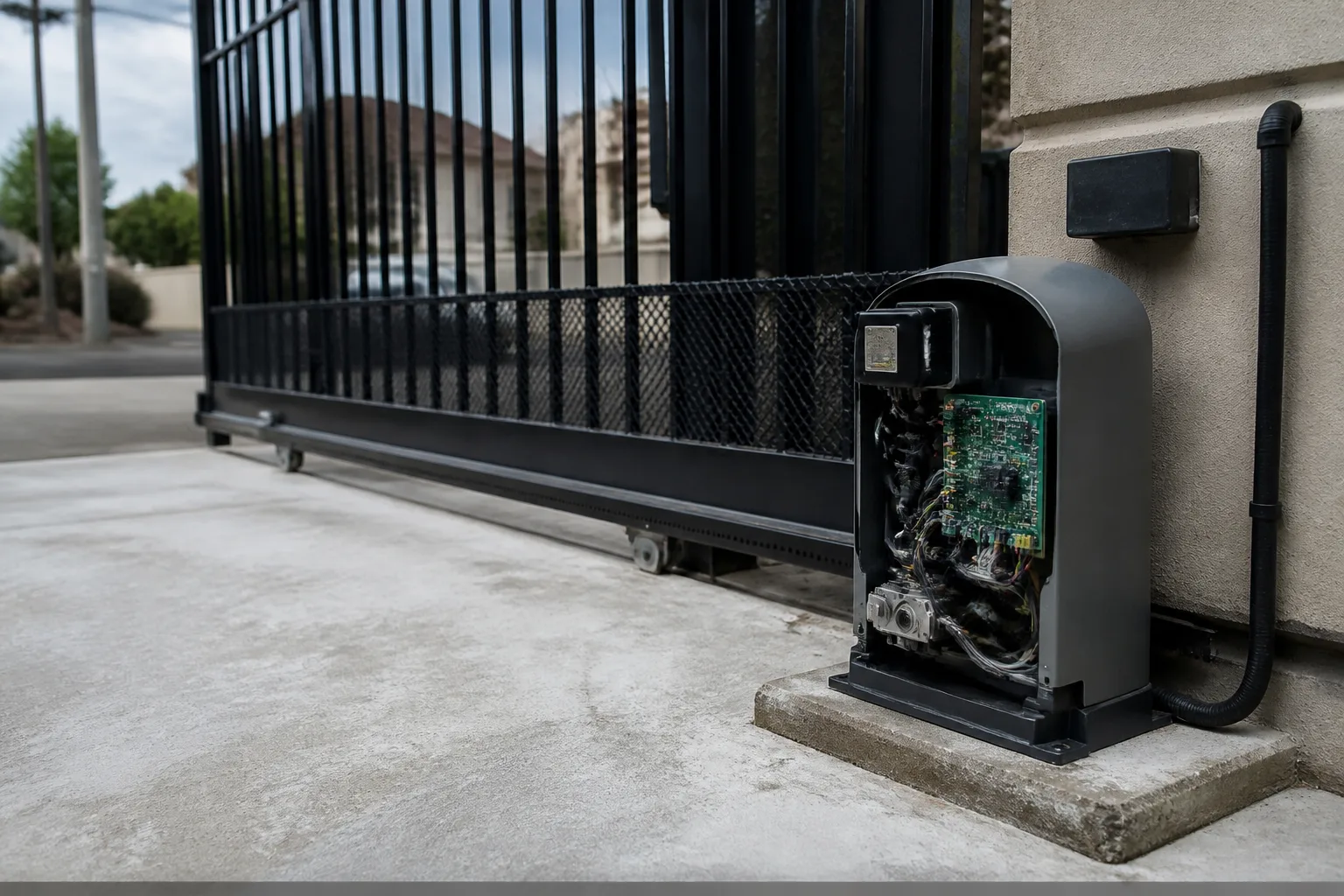
What we do not recommend is opening the control board cabinet and poking around inside. DoorKing boards carry 120V on the AC input side, and the capacitor in the motor circuit holds a charge that can bite you even with power off. If the problem is inside the cabinet and you’re not trained, this is the point to stop. High-voltage and stored charge are real risks. A Board replacement is cheaper than an ER visit every time.
Requires a Technician with DoorKing Knowledge
- Firmware updates: DoorKing releases firmware patches for the 1802 and 1812 series that address relay timing issues. Skipping these updates is the reason some gates develop a delay where the resident’s phone dings, the relay clicks, but the gate doesn’t move for four or five seconds. Homeowners often describe this as a “laggy” gate and assume the motor is dying. It’s firmware. But you can’t flash DoorKing firmware without the dealer portal and the correct cable. We handle this as part of normal Electric Gate Repair in Union City.
- Control board replacement: A bad board can show the same symptoms as a bad motor. Diagnosing the difference takes a multimeter and DoorKing-specific board knowledge. We’ve replaced boards on 1812 units in Union City where the gate moved fine but the directory kept erasing itself every three days. The board’s memory chip had failed. No amount of reprogramming would have fixed it.
- Safety loop and edge sensor faults: DoorKing gates use induction loops buried in the driveway and photo eye safety edges on the gate leaf. A failing loop makes the gate refuse to close because it thinks a car is sitting on it. These need a loop detector tester and sometimes excavation to repair the saw cut.
If you’re at the “the keypad beeps but nothing happens” stage and a power cycle didn’t help, it’s time to bring in someone who works on DoorKing boards every week. That’s us.
DoorKing Model Weak Points We See Across Union City
Different DoorKing models have different personalities. If you know which unit you have, you can often predict the failure before it strands someone outside the gate.
DoorKing 1802
The 1802 is the compact workhorse on smaller apartment buildings in Union City. Its weak point is the telephone-line interface chip. If the property switched to VoIP phone service and the gate stopped answering its directory calls, the DoorKing’s modem chip may not be compatible with the VoIP signal. Some 1802 boards handle VoIP fine. Others don’t. The workaround is usually a cellular or IP-based entry module, which we install as part of our Gate Repair in Union City work.
DoorKing 1808
The 1808 is the larger cabinet unit with the expandable directory. Its achilles heel is the relay bank. We see 1808 relays stick in the closed position after years of load cycling, which keeps the gate from opening even though the motor is healthy. The fix is a relay board replacement or a piggyback relay installed by a technician. The second common failure is the transformer. An 1808 with a dead display but a running gate usually has a failed low-voltage transformer feeding the board.
DoorKing 1812
The 1812 is the flagship multi-tenant unit, and it’s the one most affected by firmware issues. Relay timing drift, directory corruption after power outages, and slow dial-out response are the big three. We also see 1812 installs in Sunol and Niles Canyon where the phone line runs underground and gets water in the conduit every winter. That brings down the whole dial-in function until the line dries out or gets replaced.
How to Check DoorKing Warranty and Support Lifecycle Before You Pay for Repair
This is the part most property managers skip, and it costs them money. DoorKing warranty coverage depends on when the unit was manufactured, and whether the previous installer registered it. Here’s how to check before you authorize any repair.
Documentation You Need
- The serial number: Located on a silver sticker inside the control cabinet. DoorKing’s warranty lookup tool asks for it.
- The original installer’s invoice: If the gate was installed by a DoorKing dealer, the warranty start date usually traces back to that installation date. No invoice means DoorKing may fall back to the manufacturing date, which can be months earlier.
- Proof of purchase for the board or operator: If a prior company swapped the board, that board has its own serial and possibly its own warranty window.
DoorKing’s standard warranty covers manufacturing defects, not lightning strikes, water damage, or acts of God. A board fried by a San Francisco Bay lightning storm in October is usually out of warranty. But a board that fails with no visible damage within the coverage window is a valid claim. We’ve walked Union City properties through this process enough times to know what paperwork DoorKing’s support team actually accepts, and we can help you pull it together before you pay out of pocket.
One more thing: DoorKing supports its older models for a long time, but there’s a difference between “still functioning” and “still supported.” An 1802 from 2008 can probably still get parts. But door entry boards from before 2005 may not accept current firmware, and some replacement boards have been discontinued. If your unit is at the end of its serviceable life, we’ll tell you straight, and we’ll quote you on a modern replacement rather than patching a dying board.
The Bottom Line
DoorKing gate repair in Union City starts with figuring out whether the problem is mechanical, electrical, or a directory data issue. If the gate works from the keypad but not from a phone call, the phone entry programming is the likely culprit. If the gate labors, stops short, or won’t move at all, you’re looking at a limit switch, capacitor, motor, or board. Power cycling is a safe first step. Opening the cabinet and probing around inside is not. And if your 1812 is acting up after a lightning storm, get the serial number ready and check the warranty before you authorize a paid repair. If you’re in Union City and need a hand, Gate Repair Union City home gives you free estimates and straight answers. Call (833) 593-6430 and we’ll walk you through the triage before we even roll a truck.
For new systems, we do full Gate Installation in Union City too, including DoorKing 1812 upgrades and cellular entry modules for properties that are cutting the copper phone line.
Frequently Asked Questions
How much does DoorKing gate repair cost in Union City?
Most DoorKing service calls in Union City fall between $150 and $450 for diagnosis and common repairs like limit switches or directory reprogramming. Control board replacement runs higher, typically $600 to $1,100 depending on the model and board version. We quote the full price before any work starts, so there are no surprises on the invoice. Call (833) 593-6430 for an exact quote on your unit.
Why does my DoorKing gate work from the keypad but not from the phone?
That’s usually a telephone entry problem, not a gate problem. The directory entry is wrong, the phone line is down, or the system’s modem chip doesn’t like the phone service (especially with VoIP). If the number in the directory changed and wasn’t updated, the system is calling a dead line.
Can you come out the same day if my DoorKing gate won’t open at all?
A gate that won’t open at all is a security and access problem, and we treat it as an emergency. Call (833) 593-6430 and we’ll dispatch as quickly as possible. We carry DoorKing boards, relays, limit switches, and enough parts on the truck to handle most common failures on the first trip.
What’s included in a full DoorKing installation?
A full installation includes the operator and control board, the telephone entry module, safety loops and photo eyes, wiring for the gate and keypad, programming of tenant directories and access codes, and testing of every entry point. We also run the power feed if the gate location doesn’t have one. If you’re replacing an old FAAC or Linear unit with a DoorKing, we handle the retrofit including new mounting, conduit, and any code-required safety upgrades.
Written by the team at Gate Repair Union City, serving Union City since 2018.
Need Gate Repair Help?
Call Gate Repair Union City - licensed & insured, here with fast help in Union City.
(833) 593-6430